
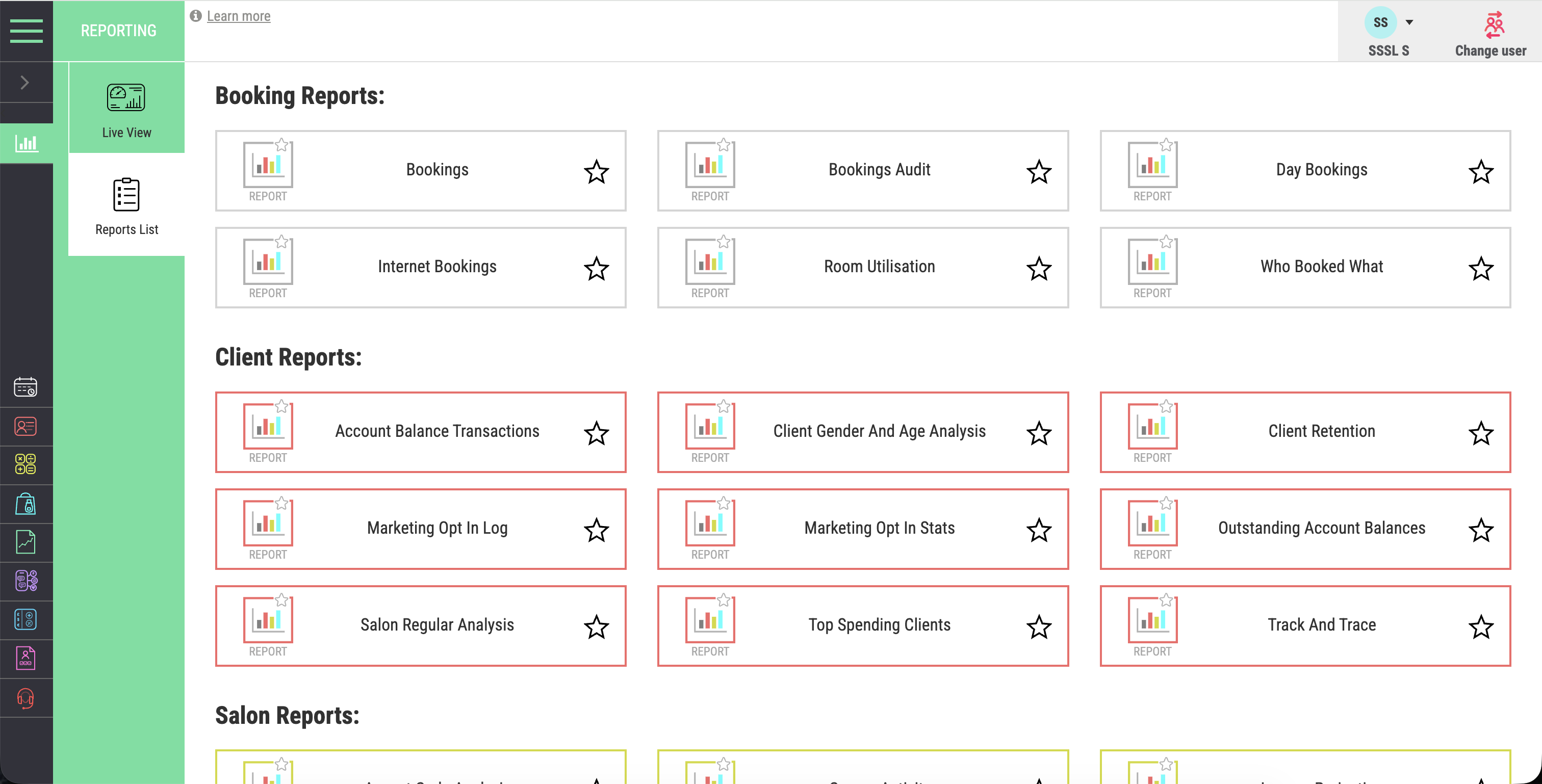

Reports and dashboards
See current performance quickly, then move into the detailed report behind each measure.
Reporting & decisions
Salon Manager software brings bookings, sales, client activity, stock and team performance into connected salon reports. Review the numbers that matter to your role, compare periods and look for changes that need attention. Our salon reporting software helps owners and managers work from the same business records used by the team each day.
A personal walkthrough • UK support • No obligation
Built around the working day
A report should answer a business question. Are clients returning? Is a team member’s diary full but retail performance low? Has a change in service mix affected revenue? Start with the question, choose a useful comparison and decide what action you can take.
Know where to focus before you change prices, staffing or marketing. Connected reports help premium salons see which services, products and client relationships deserve attention. Our all-in-one software gives growth-focused owners a clearer basis for decisions. Compare multi-location results, choose an action to grow revenue and review what happens next.
Clearer numbers. More focused conversations.
An online salon management system gives reports a consistent source of business records. Review salon booking software and salon CRM activity alongside sales, stock and team information. Check the period, location and filters before deciding what a change means.
See how this connects with your multi-location reporting.
The tools your team will use
See current performance quickly, then move into the detailed report behind each measure.
Mark regularly used reports as favourites so the team can return to them faster.
Adjust supported filters, time periods, locations and report options around the question you need to answer.
Export reports for further analysis, sharing or a clean saved record.
Calculate commission from connected service and retail sales information.
Give each team member a clear view of the measures and progress relevant to them.
Set and monitor targets for the complete business and individual team members.
Review booking patterns, rebooking, returning clients and longer-term retention.
Connect service revenue, retail performance and stock information in the wider business view.
From features to everyday work
| Measure | Question to ask | Possible next step |
|---|---|---|
| Revenue and sales mix | Has service or retail income changed? | Review the services and products behind the movement. |
| Rebooking and retention | Are clients returning as expected? | Review follow-up with your team and salon CRM. |
| Diary activity | Where is available appointment time being used? | Review schedules and targeted booking campaigns. |
| Team performance | How does progress compare with agreed targets? | Use a specific measure in a coaching conversation. |
| Stock performance | Which products sell, and which remain on the shelf? | Review purchasing alongside current stock levels. |
A report reflects the records and filters behind it. Compare like-for-like periods and check data entry before treating a change as a business trend.
Make it work your way
Decide whether you need to understand revenue, clients, bookings, team performance or stock. Pick the measure that answers it.
Select the date range, location and relevant filters. Check that the underlying records are accurate and complete.
Agree a practical action with the team. Review the same measure later to see what changed.
Salon software UK
The best salon software for reporting should help you answer a business question and choose a next step. Ask the provider to answer a real business question using the product. Check the period, filters and location view. Then look at how a manager or team member can use the result, rather than judging the dashboard by its appearance alone.
For salon software for groups, use the same reporting measures to compare locations.
For the wider salon software system, compare packages and inclusions and see the full feature range.
When evaluating an AI salon receptionist, compare completed visits and service costs with the cost of the call-handling setup. Agree which records your salon will use to assess the result.
Frequently asked questions
Clear answers about reporting & decisions, before you choose your setup.
Have a workflow we have not covered? Talk it through in your demo.
Build your connected salon
Understand the client history behind retention.
Link product performance with quantities and ordering.
Compare locations with consistent information.
Your salon. Your workflows.
We will show the reports and filters that help you investigate it, from daily sales to retention, stock and team performance.


